Go from a sales overview to the details of your products, purchasing and reports.
Sales trends, payment mix and cashier performance
Inventory, pricing and promotions
Purchase orders, receiving and vendor returns
Reports, custom reports and export options
MULTIPLATFORM BY DESIGN
At your counter. In your pocket.
GalaxyPOS brings point of sale to Android and Windows, with a web-based BackOffice that fits your computer, tablet or phone.
POS
Android
Point of sale on compatible Android devices. Ask us about the right device and accessories for your store.
POS
Windows
A dedicated register workspace for your Windows checkout, with product lookup, touch menus and sale controls.
BACKOFFICE
Web + PWA
Open BackOffice in your browser or add it to your home screen where supported. Work from desktop, tablet or mobile with your configured store access.
LESS DESK TIME. MORE STORE TIME.
Take your BackOffice onto the shop floor.
Find products with your camera, review stock and work through supplier invoices from your mobile device. Practical steps, right where the work happens.
01 / SCAN & ORGANIZE
The right item. Without the typing.
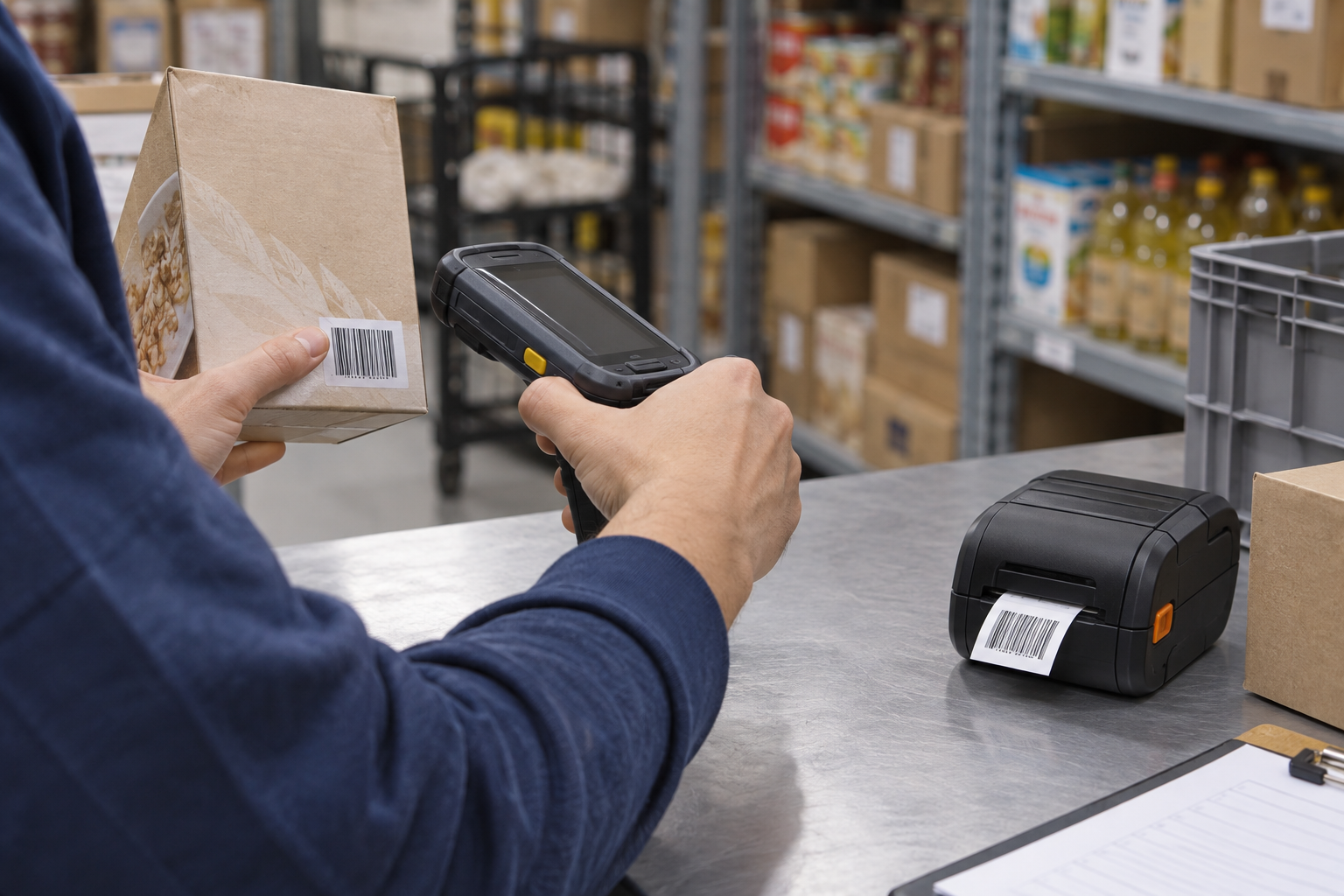
Scan product barcodes with a supported mobile camera. Find the item, review its information and continue your inventory or receiving workflow.
Need labels on the move? Ask us about a compatible portable label printer and the printing setup for your device.
02 / VENDORS & SCAN INVOICE
From delivery to a reviewed invoice.
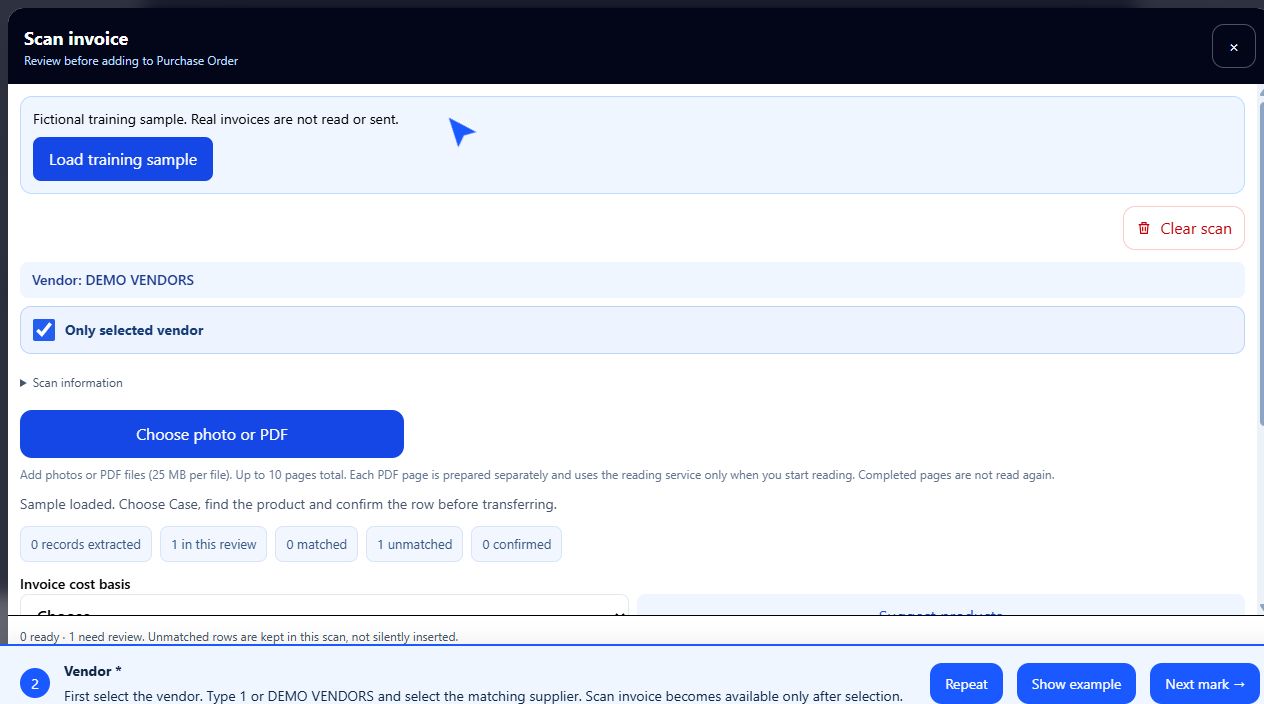
Choose your vendor first. Open Scan Invoice, provide the invoice and review the extracted products, quantities and costs before confirming.
Select the vendor
Scan or upload the invoice
Review the details, then confirm
Illustrative equipment photos, not GalaxyPOS interface screenshots. Device, camera and mobile label-printing compatibility must be confirmed for your setup. Processing time depends on the invoice and required review.
THE HARDWARE THAT KEEPS YOU MOVING
Connect. Configure. Get to work.
Plug & Play with compatible peripherals. We'll help you choose the right printers, barcode scanners and scales for your GalaxyPOS setup.
PRINT
Printers
Receipt and label-printing options for your store. Confirm the model, connection and driver requirements before connecting.
SCAN
Barcode scanners
Find and add products by barcode. Choose a reader compatible with your register and the codes you use.
WEIGH
Scales
Weighed-item workflows with supported scales. Connection settings, units and model compatibility are verified during setup.
Some peripherals require an initial driver, port or communication setup. Plug & Play does not mean universal compatibility.
CARD PAYMENTS · PAX TERMINALS
A familiar way to pay. A connected checkout.
Bring credit and debit payments into the GalaxyPOS checkout with a compatible, configured PAX terminal. Your customer follows the prompts on the payment device.
01 / PAX
Credit & debit
Choose the payment type and amount in GalaxyPOS. The configured PAX terminal handles the card interaction and returns the transaction result.
02 / PAYMENT OPTIONS
Chip. Tap. Mobile wallet.
PAX offers terminals with EMV chip and contactless card or mobile-wallet readers. Available payment methods depend on the terminal model, processor and enabled services.
03 / CLEAR PAYMENT STATUS
Follow the result.
See payment progress and the terminal response. Approved payments include masked card details on the receipt; unresolved responses require review before another collection.
A compatible terminal, supported payment processor, merchant account and setup are required. Confirm the exact device and services before purchase. Availability is not a guarantee of every PAX model or processor; processing fees are quoted separately.
BUILT AROUND YOUR BUSINESS
Different stores. The same need for control.
01
Retail
Keep your catalog organized, update prices and manage promotions without losing sight of sales.
PRODUCTS · PRICING · CUSTOMERS
02
Supermarkets
Bring barcode items, weighed products, departments and vendor purchasing into a connected workflow.
WEIGHT · DEPARTMENTS · RECEIVING
03
Liquor stores
Manage product pricing, Mix & Match offers and age-check prompts from the same retail platform.
AGE CHECKS · OFFERS · STOCK
04
Tobacco stores
Organize a detailed product catalog, find items by barcode and configure age-related product controls.
BARCODES · PRICE LISTS · AGE CHECKS
Hardware, payment services and restricted-product workflows depend on your store's configuration. Ask us to confirm compatibility and requirements for your location.
NOT A MOCKUP. GALAXYPOS.
Get a feel for your next workday.
Explore actual product screens. Select a view, then click the image for a closer look.
Maintain item details, product images, departments, pricing and stock adjustments. Review price changes and stock reports.
Purchasing, from start to finish
Create purchase orders, choose a vendor before Scan Invoice, review imported details and manage receiving and returns.
Customers worth remembering
Manage customer records and loyalty members. Review customer history, statements and receivables through dedicated reports.
Reports that answer your questions
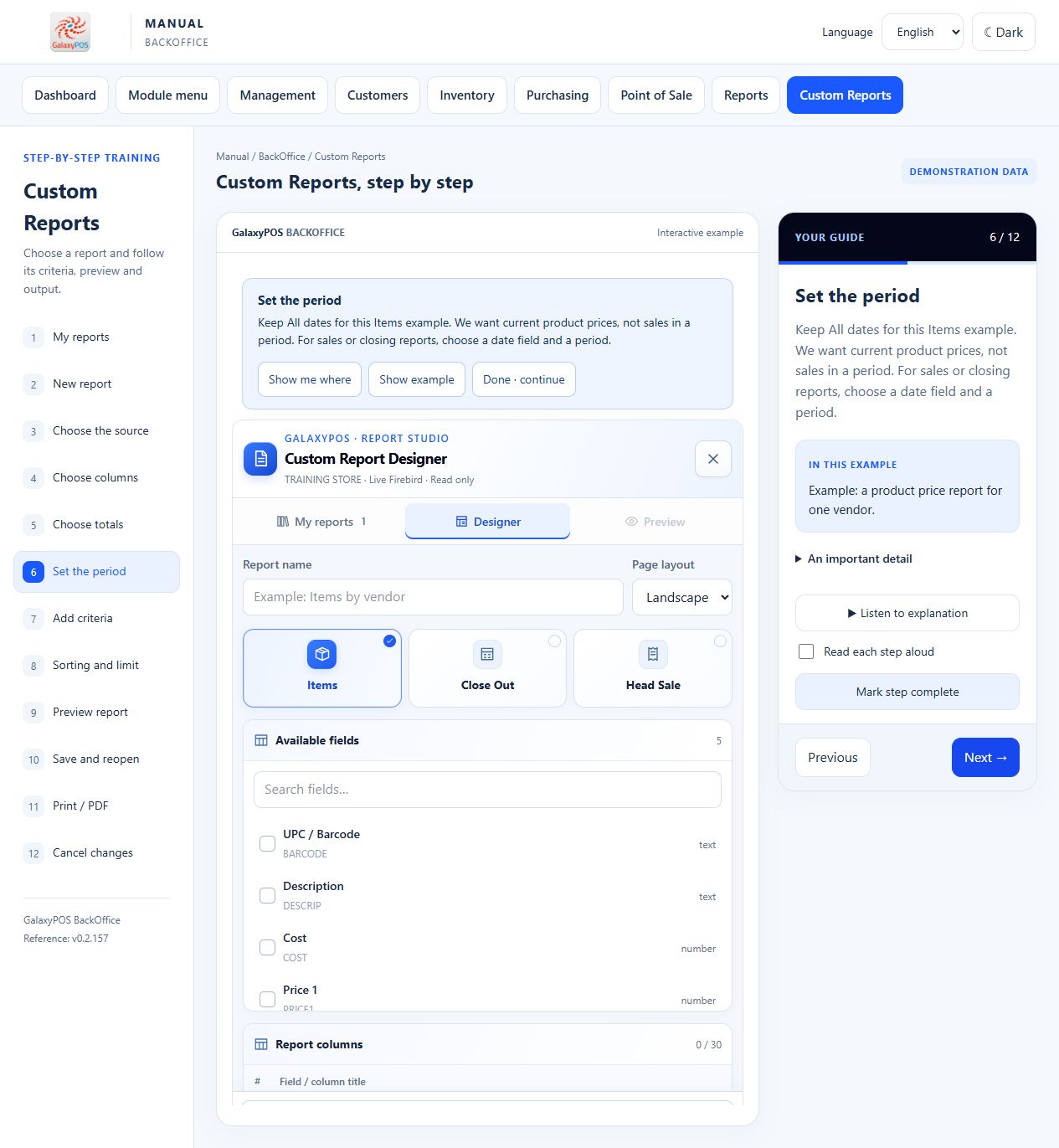
Review sales, cashiers, departments and inventory. Build custom reports with chosen columns, criteria and sorting. Export supported reports to Excel or PDF.
A workspace for your team
Organize employees, station settings and Time Clock records. Configure register menus around the products your team sells.
Training, already at hand
Use the public learning center with visual steps, guided examples and English or Spanish narration. Read or listen at your own pace.
INTERACTIVE BACKOFFICE DOCUMENTATION
See it. Read it. Hear how it's done.
A manual that guides your team through the BackOffice, one step at a time. Follow the highlighted controls, read clear instructions or listen to the explanation.